Basic settings
Open a report and use its … menu to access report settings.
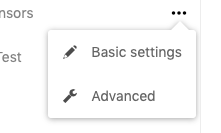
-
Report controls the presentation. Titles and subheaders can use
%currentDate%,%currentTime%,%now%,%lastUpdateDate%,%lastUpdateTime%, and%owner%. - Data lets you enter, import, or upload data for Internal Database reports.
- Sharing manages user, group, and public-link access. See Sharing.
- Dataset maintenance contains data loads and deletion jobs. See Dataset maintenance.
See Reports and datasets for the difference between report-level settings and shared dataset data.


